
Nexa Blog
How to Find LinkedIn Leads Without Sales Navigator

How to Find LinkedIn Leads Without Sales Navigator (Step-by-Step Guide)
LinkedIn is one of the best platforms for finding high-quality B2B leads.
But many people quickly run into a problem:
LinkedIn Sales Navigator is expensive.
For freelancers, startups, and small SaaS founders, paying for multiple tools just to find leads isn’t always practical.
The good news is that you don’t actually need Sales Navigator to find LinkedIn leads.
In this guide, you'll learn several practical ways to find LinkedIn leads — including a method that automates most of the process.
Why LinkedIn Is Powerful for Lead Generation
LinkedIn has over 1 billion professionals worldwide, making it one of the largest databases of business contacts.
Unlike other platforms, LinkedIn profiles usually include:
- Job title
- Company name
- Industry
- Experience
- Location
This makes it extremely useful for:
- SaaS founders
- B2B agencies
- freelancers
- recruiters
- sales teams
But manually finding leads can quickly become time-consuming.
Method 1: Use LinkedIn Search Filters
Even without Sales Navigator, LinkedIn’s default search is surprisingly useful.
You can search using:
job title
company
industry
location
keywords
Example search:
"Founder" AND "SaaS"
Location: United States
Industry: Software
This will already return thousands of potential leads.
However, this method has one big drawback:
It’s very manual.
You still need to:
- open profiles
- copy information
- find emails separately
For a few leads this works, but for serious prospecting it becomes slow.
Method 2: Use Google to Find LinkedIn Profiles
A trick many people overlook is using Google instead of LinkedIn search.
Example search:
site:linkedin.com/in "SaaS founder" "United States"
This can reveal profiles that LinkedIn search might not show easily.
You can also try searches like:
site:linkedin.com/in "marketing director" "ecommerce"
site:linkedin.com/in "startup founder" "fintech"
This approach helps you discover highly targeted profiles.
Again, the downside is that you still need to collect the data manually.
Method 3: Extract and Organize Leads Automatically
This is where automation becomes extremely useful.
Instead of manually copying profiles, modern lead generation tools can:
- collect LinkedIn profiles
- organize them into lead lists
- enrich them with contact information
This saves hours of manual work.
For example, tools like Nexa help automate the process by finding and organizing LinkedIn prospects into structured lead lists that you can actually use for outreach.
Instead of spending hours searching and copying profiles, you can focus on what matters most:
starting conversations with potential customers.
What Makes a Good LinkedIn Lead?
Finding leads is only part of the process.
You also need to make sure the leads are actually relevant.
Good leads usually match:
- your ideal customer profile
- your product’s use case
- your target industry
For example, if you're selling a SaaS tool for lead generation, your ideal prospects might be:
- startup founders
- sales teams
- marketing agencies
- growth managers
Targeting the right people dramatically increases your response rates.
Common Mistakes When Finding LinkedIn Leads
Many beginners make the same mistakes when prospecting.
Targeting everyone
If your audience is too broad, your outreach becomes ineffective.
Collecting leads without organizing them
Leads should always be stored in a structured list.
Not verifying data
Sometimes LinkedIn profiles may be outdated or incomplete.
Automation tools can help reduce these issues.
Final Thoughts
Finding LinkedIn leads without Sales Navigator is absolutely possible.
You can start with simple methods like:
- LinkedIn search filters
- Google profile searches
But as your outreach grows, automation becomes essential.
Tools that streamline lead discovery and organization can help you focus on building real business relationships instead of spending hours collecting data.
If you're looking for a faster way to build targeted LinkedIn lead lists, tools like Nexa can help automate much of the process.
Related articles
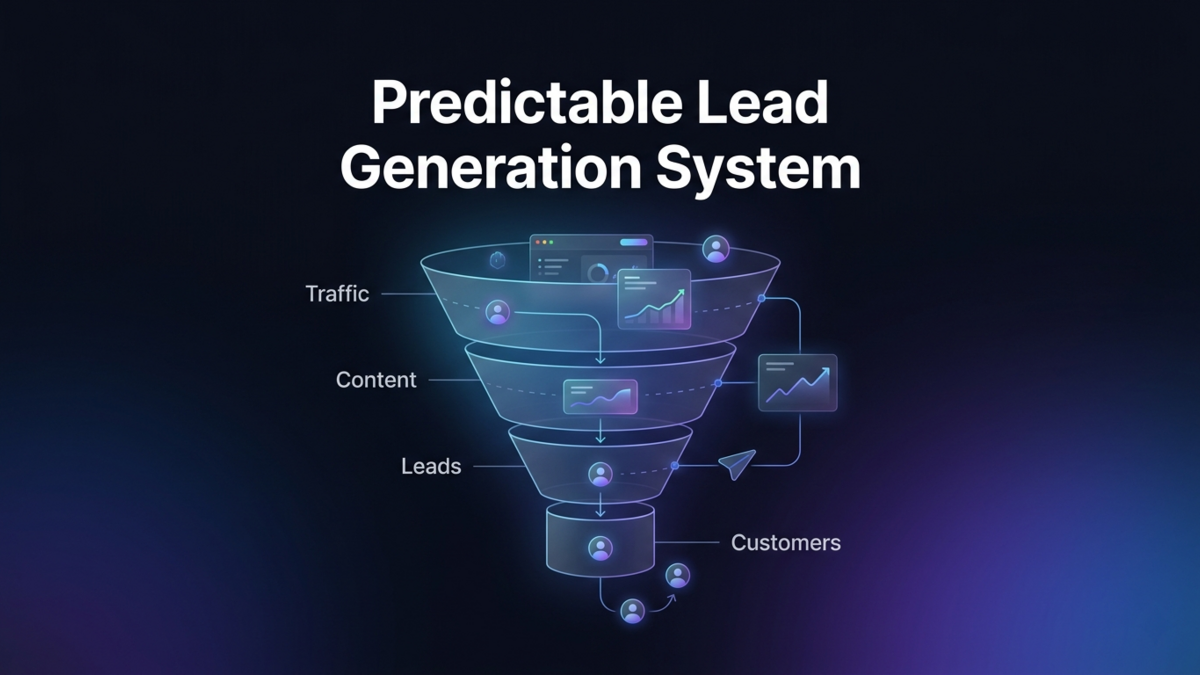
Stop Guessing: How to Build a Predictable Lead Generation System (Even With Low Traffic)
Most founders rely on luck for leads. This article shows how to turn your website into a predictable lead generation system using simple funnels, intent-based content, and smart automation.
Read more →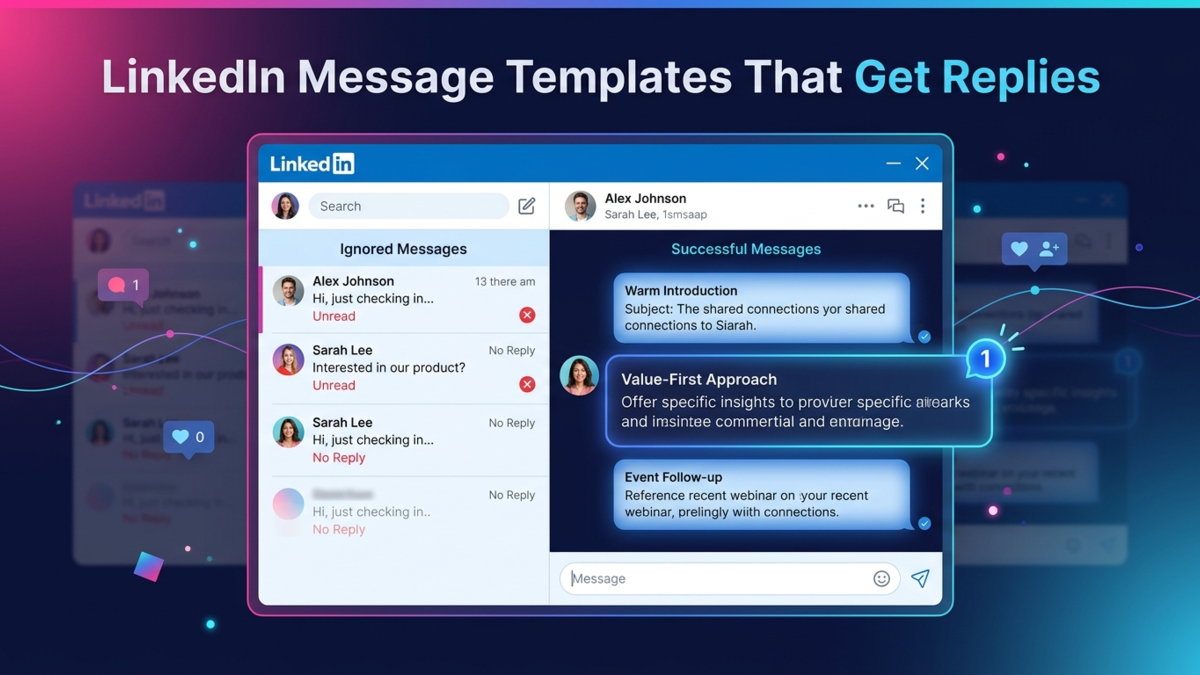
LinkedIn Cold Message Templates That Actually Get Replies (With Real Examples)
Struggling with LinkedIn outreach? These proven cold message templates help you start conversations and get replies without sounding spammy.
Read more →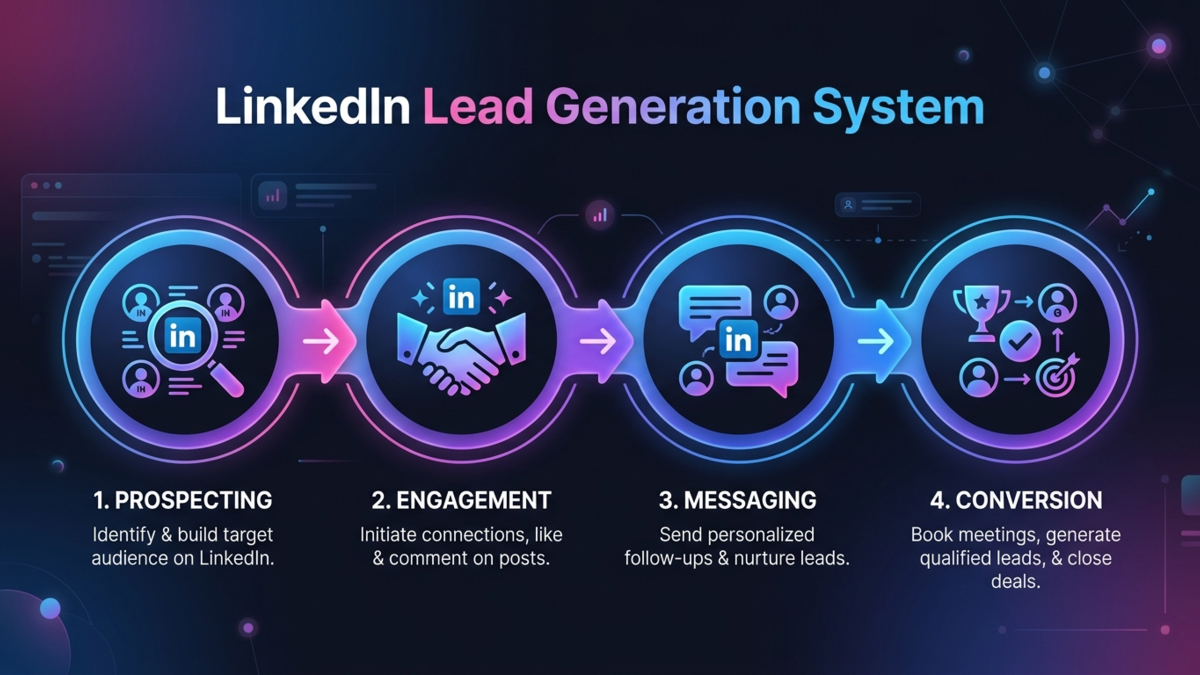
My Simple LinkedIn Lead Generation System for SaaS (From 0 to Consistent Leads)
A simple, repeatable LinkedIn lead generation system for SaaS founders covering prospecting, outreach, and conversion without ads or expensive tools.
Read more →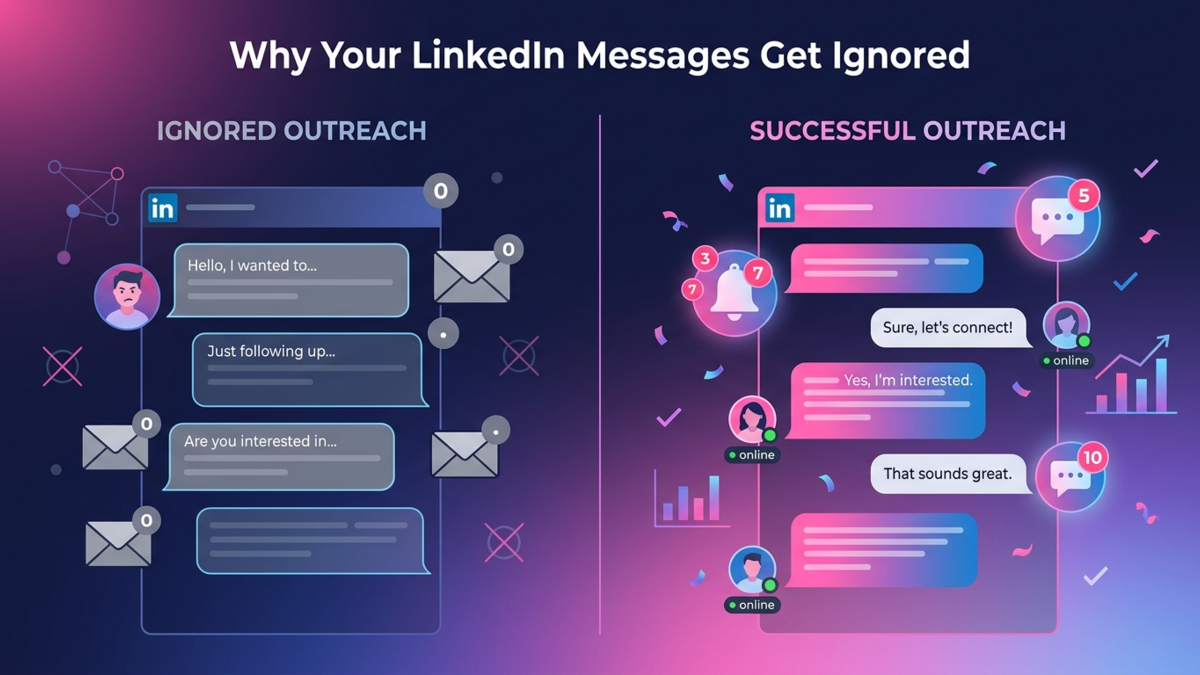
Why You’re Getting Ignored on LinkedIn (And How to Fix Your Outreach Fast)
If your LinkedIn messages are getting ignored, it’s not bad luck. Here’s exactly why it’s happening and how to fix your outreach to start getting replies.
Read more →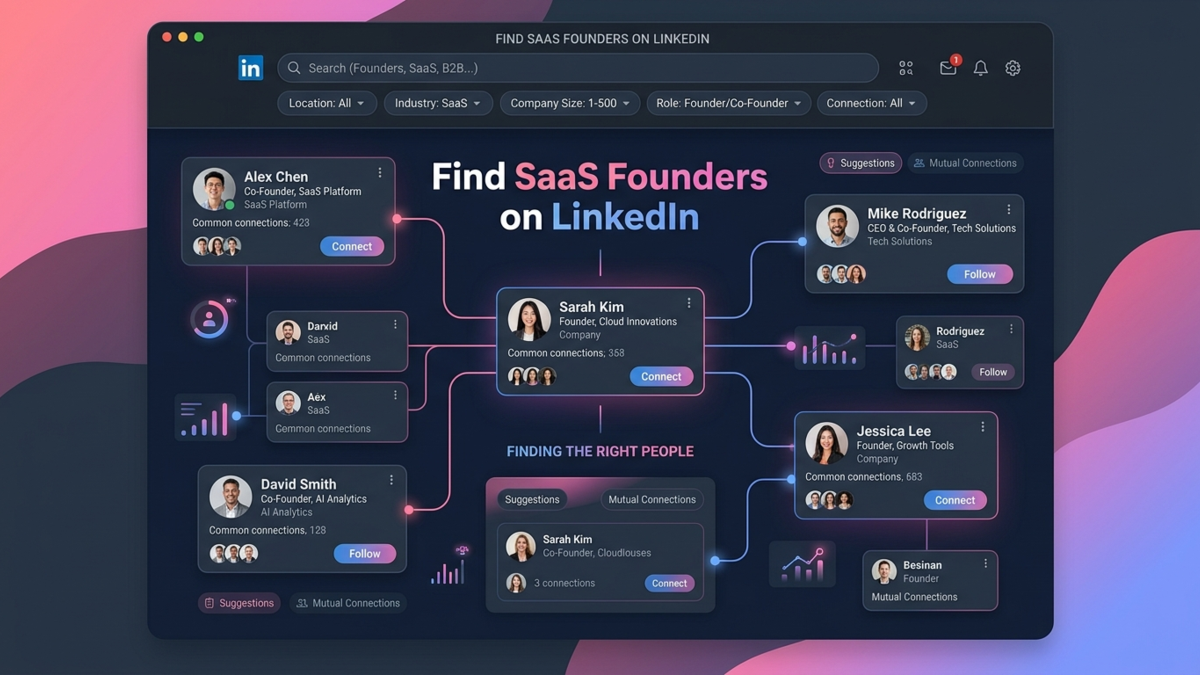
How to Find SaaS Founders on LinkedIn (Even If You Have 0 Filters or Tools)
A simple, manual system to find highly relevant SaaS founders on LinkedIn without using Sales Navigator or expensive tools.
Read more →